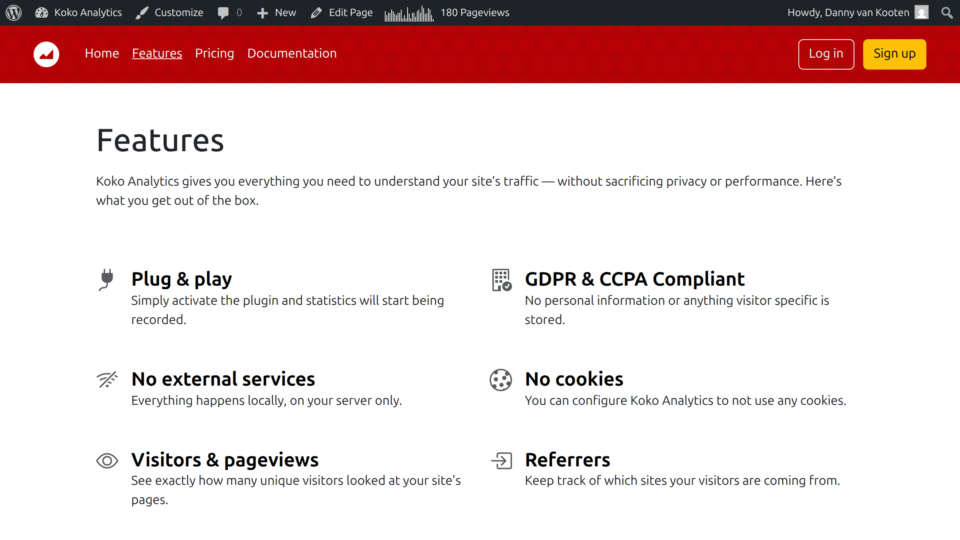
Koko Analytics Pro adds a small chart to your admin bar with a quick view of traffic over the last 28 days. If you are coming from Jetpack Stats then you may be familiar with this feature.
Your admin bar is the black horizontal bar that appears at the top of the screen when you are viewing your site as a logged-in user.
To enable this chart in your admin toolbar, all you have to do is purchase Koko Analytics Pro and then ensure it is installed and activated.
I can’t find the admin bar chart
The admin bar chart will only show to users with the view_koko_analytics capability and only on the public facing section of your website, so not inside the admin area.
Here is an example from our own site. The chart is at the top center, next to the 180 Pageviews text.