Password protected public dashboard
What if you wanted to share your statistics with others who don’t have an account on your site, yet still want to protect it with a password?
As of Koko Analytics Pro, you can set this up by taking the following steps.
- Ensure you have Koko Analytics Pro installed and activated.
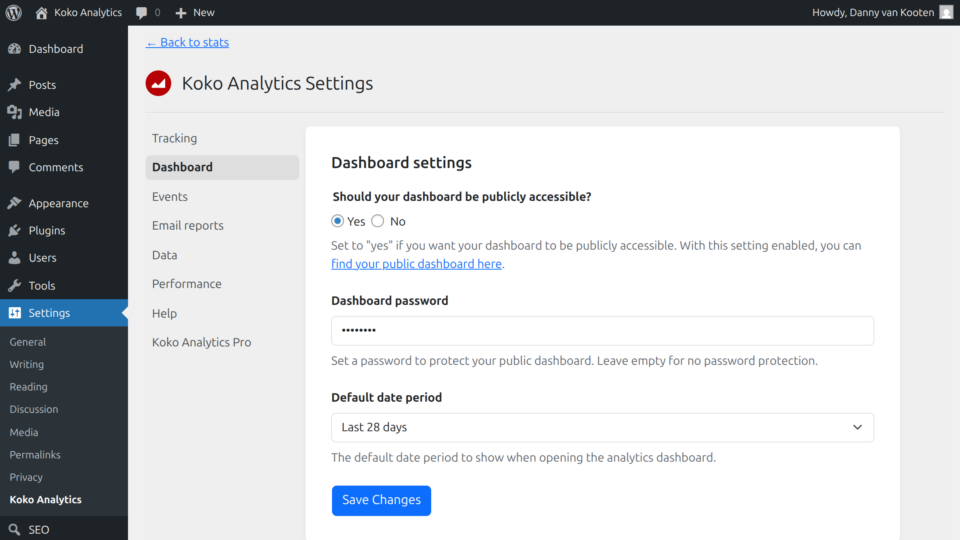
- Go to Settings > Koko Analytics > Dashboard.
- Toggle Should your dashboard be publicly accessible? to Yes.
- A new input field should appear right below, allowing you to choose a password for your public dashboard.
- Choose a random but strong password and save your changes.
Note: it’s important to know that the password will be the same for everyone trying to access your public Koko Analytics dashboard. Definitely don’t use the same password as for your WordPress admin area.
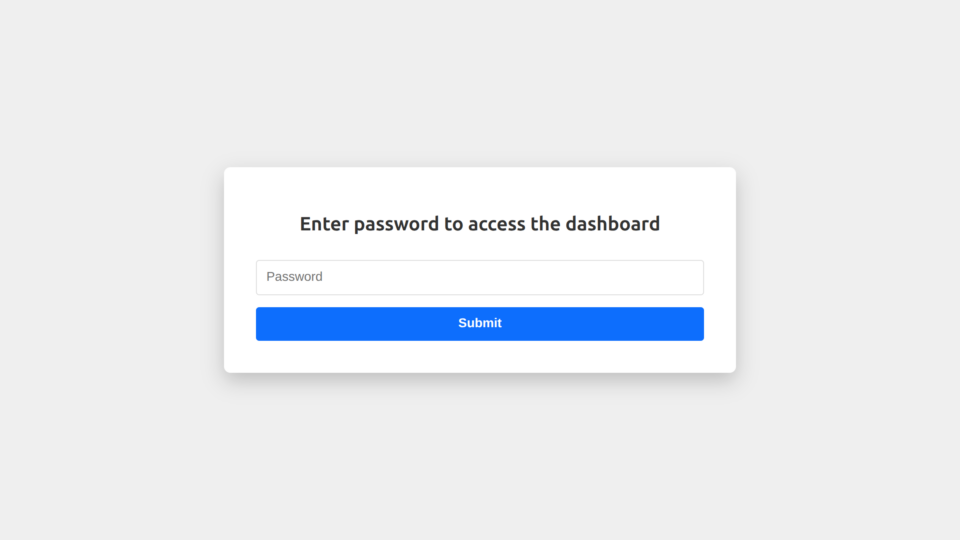
Now open up a private browser window or log out of your WordPress admin area. Try to access your public dashboard by going to your-website.com/koko-analytics-dashboard/ .
You will be greeted by the following screen.
Related reading
Last updated on