Setting up a traffic spike notification email
Configuring Koko Analytics to send an email alert whenever your site experiences a sudden spike in traffic can be done from the Settings > Emails page.
While logged in to your WordPress admin area as someone with the required capability to manage the Koko Analytics settings (only the administrator role can do this, by default), go to Settings > Koko Analytics > Emails and then scroll down to locate the Traffic Spike Notification section.
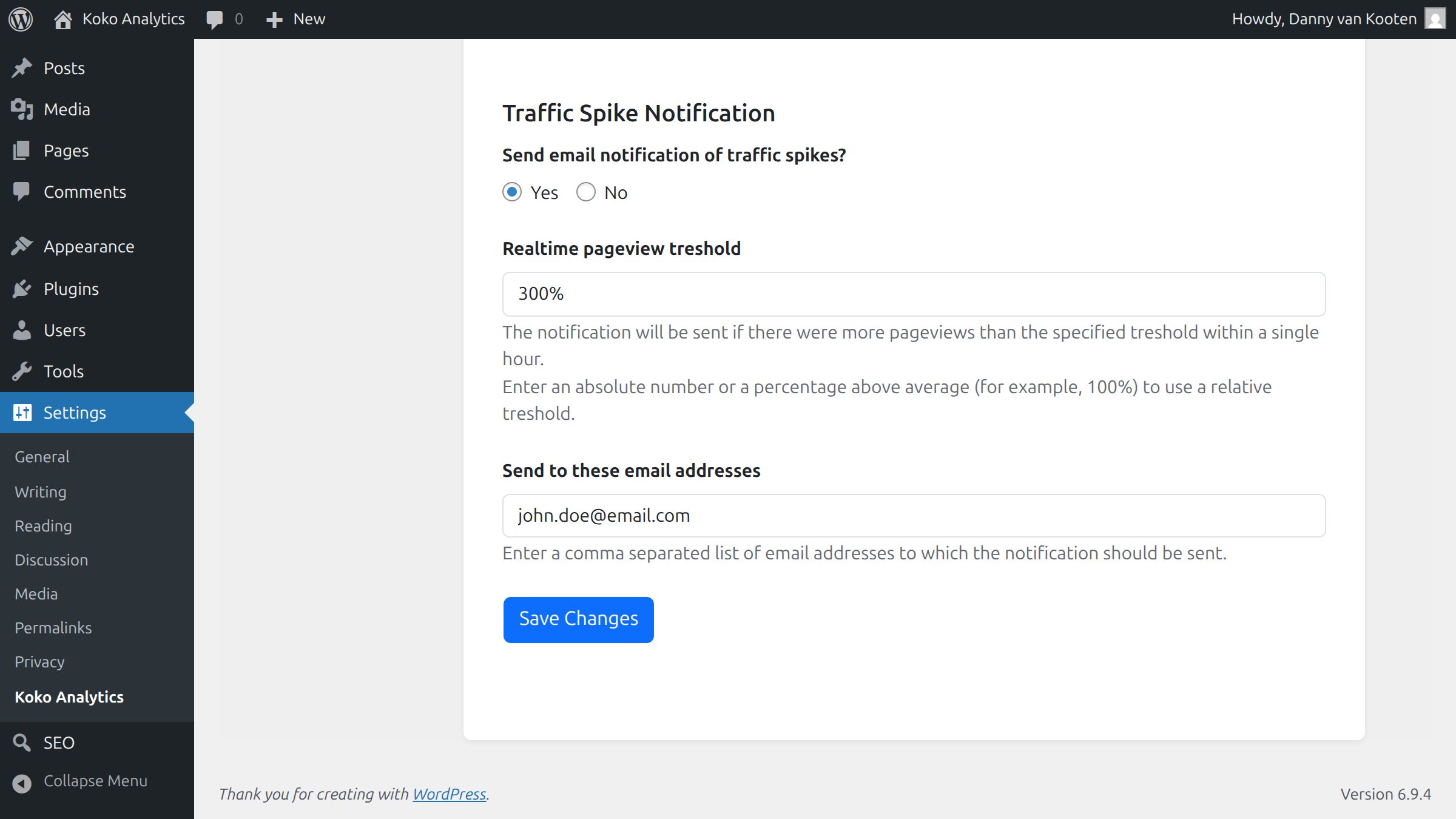
- Toggle Send email notification of traffic spikes to Yes.
- Under Realtime pageview treshold, configure at what number of pageviews the notification should be triggered. This can either be an absolute number of pageviews (60, for example) or a percentage above baseline (like 300%).
- Enter a comma separated list of receiving email addresses.
- Hit Save Changes to update your settings.
Last updated on