Integrate with Complianz
If you’re using Complianz, you can use it to use Koko Analytics with cookies but only after consent has been given. To do so, walk through the following steps.
1. Instruct Koko Analytics to use a cookieless tracking method.
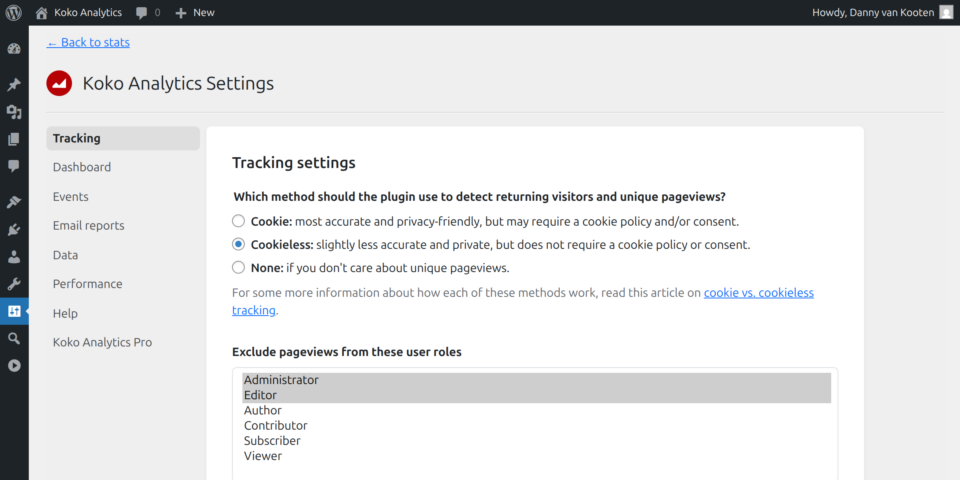
Now, Koko Analytics will not use any cookies by default. We will override this later using a script that is managed by Complianz and only runs after the user has given their consent.
2. Add the following to Complianz Script Center
Complianz comes with a script center for managing scripts. Locate the “Add a third party script” setting and add the following script.
window.koko_analytics.use_cookie = true;Code language: JavaScript (javascript)This way, Complianz will print that line once someone has opted-in to the use of cookies. This will instruct Koko Analytics to use a cookie for its tracking mechanism, the part that detects whether someone is a returning visitor.