Custom event tracking
By default, Koko Analytics will count unique visitors, pageviews and referrers to your website. You can expand on this with Koko Analytics Pro which will give you the option to track pretty much any type of event that occurs on your website.
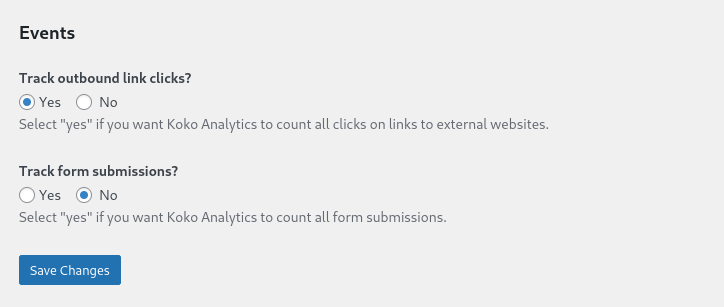
Two common events are built-in and can be enabled without having to write a single line of code: outbound link clicks and form submissions.
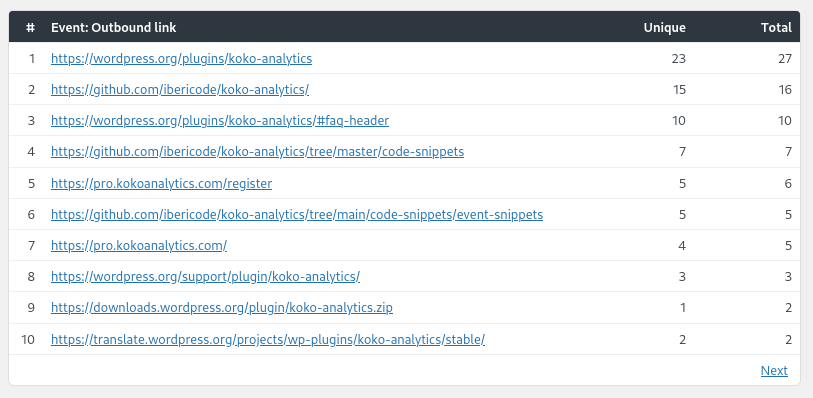
On your dashboard, this will add a component looking similar to the Top Pages and Top Referrer components.
With a few lines of JavaScript, you can track much more than just these two examples though.
For example, in our live demo we are using the custom events feature to keep track of our website’s load times, the screen resolutions of our visitors, the browser languages of our visitors and feedback on knowledge base articles.
Some of our users are using it for e-commerce tracking, podcast plays, you name it.