Tracking form submits
As of Koko Analytics Pro version 1.3, you have the option to easily enable tracking all form submissions on your website without having to write a single line of code.
To start keeping track of form submissions, go to your Koko Analytics settings page (with the Koko Analytics Pro plugin activated) and locate the “Events” section.
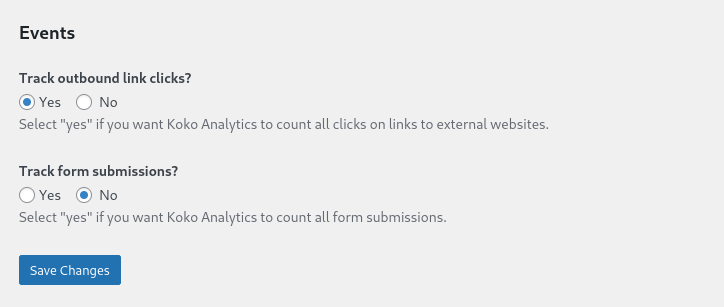
Select “Yes” for the “Track form submissions?” setting and then click the “Save Changes” button.
That’s it – Koko Analytics will now start counting all form submit events on your website.